
Appearance
Sharing Links
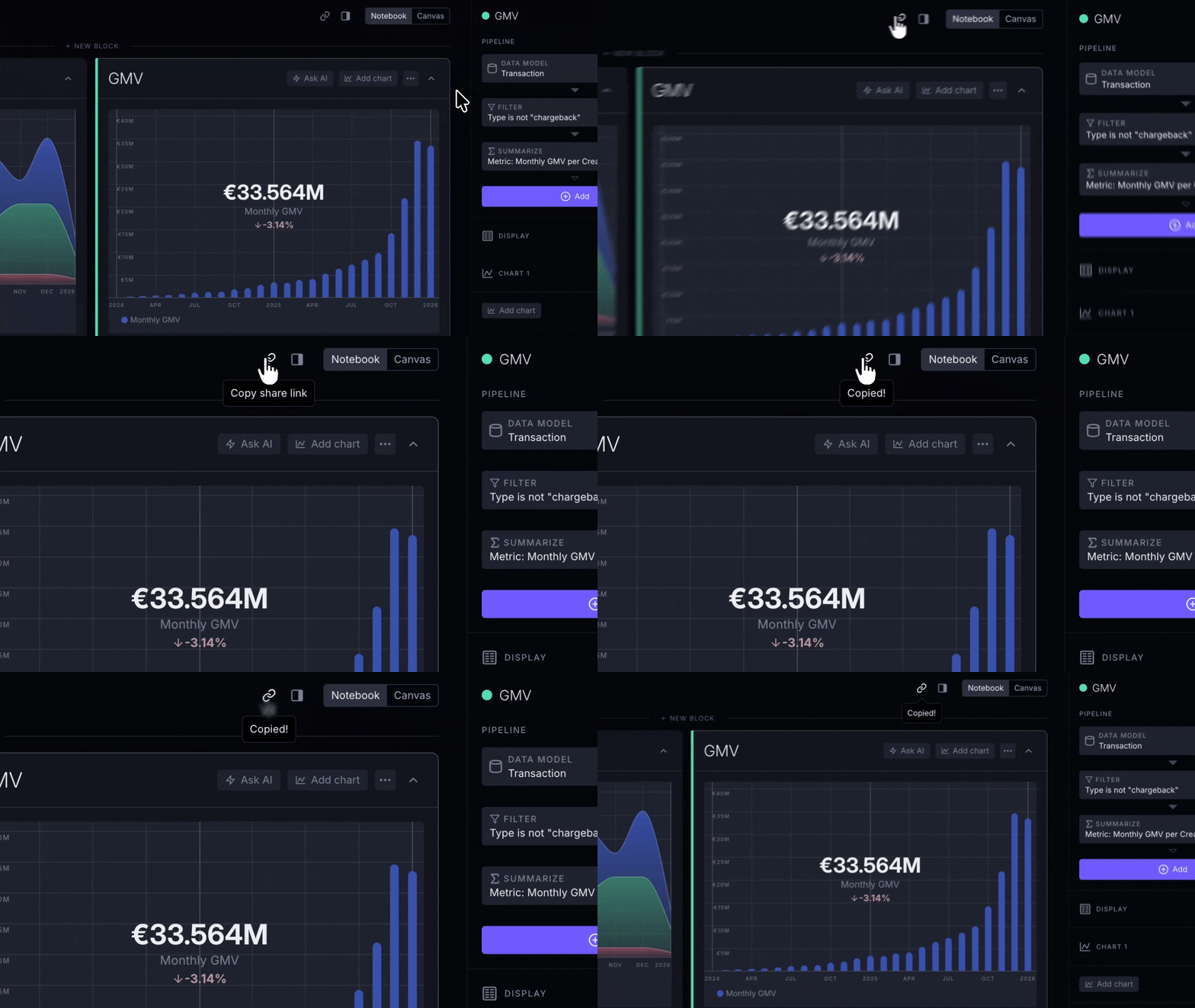
The fastest way to share what you're looking at with a teammate is to use the Copy link button in the exploration header. No saving is required.
How it works
Shared links have two behaviors:
- Live saved exploration: a link to a Team exploration with no unsaved changes opens the shared exploration, including changes saved to it later.
- Specific version: an ad-hoc exploration, unsaved changes to a Team exploration, or a snapshot shared from Personal explorations stays as it was when shared.
A working version of a Team exploration remains connected to the shared saved exploration. A snapshot from Personal explorations is detached: it lets your teammate see what you shared without giving them access to your private saved exploration.
When someone opens an ad-hoc, snapshot, or working-version link and starts making changes, the URL in their browser updates to reflect their modifications. This means:
- Your link stays unchanged: they can't accidentally modify what you shared
- They get their own URL that they can share with others
When to use link sharing
Link sharing is ideal for:
- Quick questions – "Can you take a look at this?"
- Sharing a specific view or insight with someone
- Collaborating on ad-hoc analysis without cluttering your saved explorations
- Sending a snapshot of your current work-in-progress
When to save instead
If you want to organize an exploration and find it again later, save it to Personal explorations or Team explorations.
Saved explorations are better for:
- Dashboards and reports that get checked regularly
- Analyses you return to regularly
- Building a reusable library for yourself or your team
TIP
Save reusable explorations, and use links for quick collaboration and one-off questions.